

Plan software visually. Ship it from GitHub.
A collaborative canvas for engineering and product teams. Connect the plan to GitHub pull requests, tasks and AI on the same board.
No account needed to try it.
Works with the tools you already use
- GitHub
- Slack
- Gmail
- Google Calendar
- Google Drive
- Linear
The canvas
Whiteboard and diagramming, built for teams.
Shapes, stickies, connectors and Mermaid on an infinite canvas that stays linked to your tasks and code.
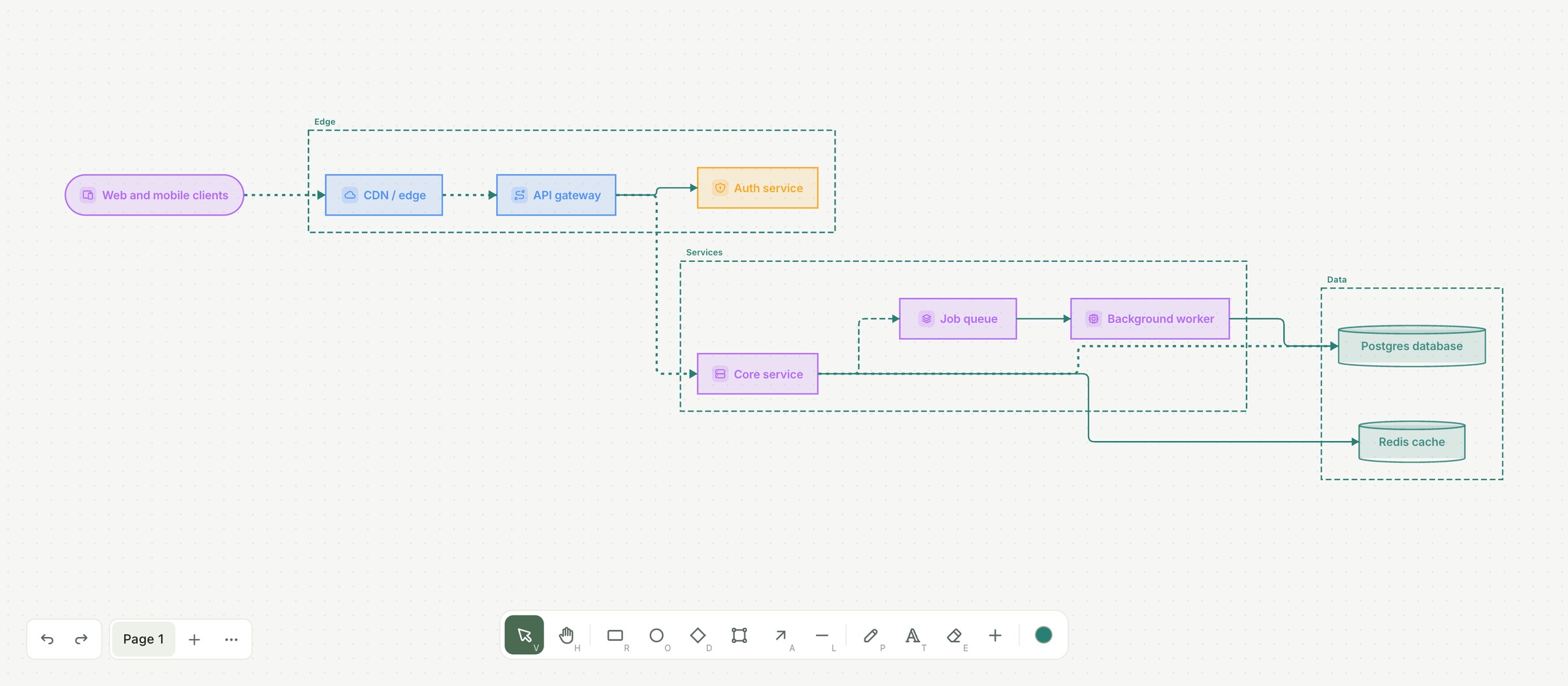
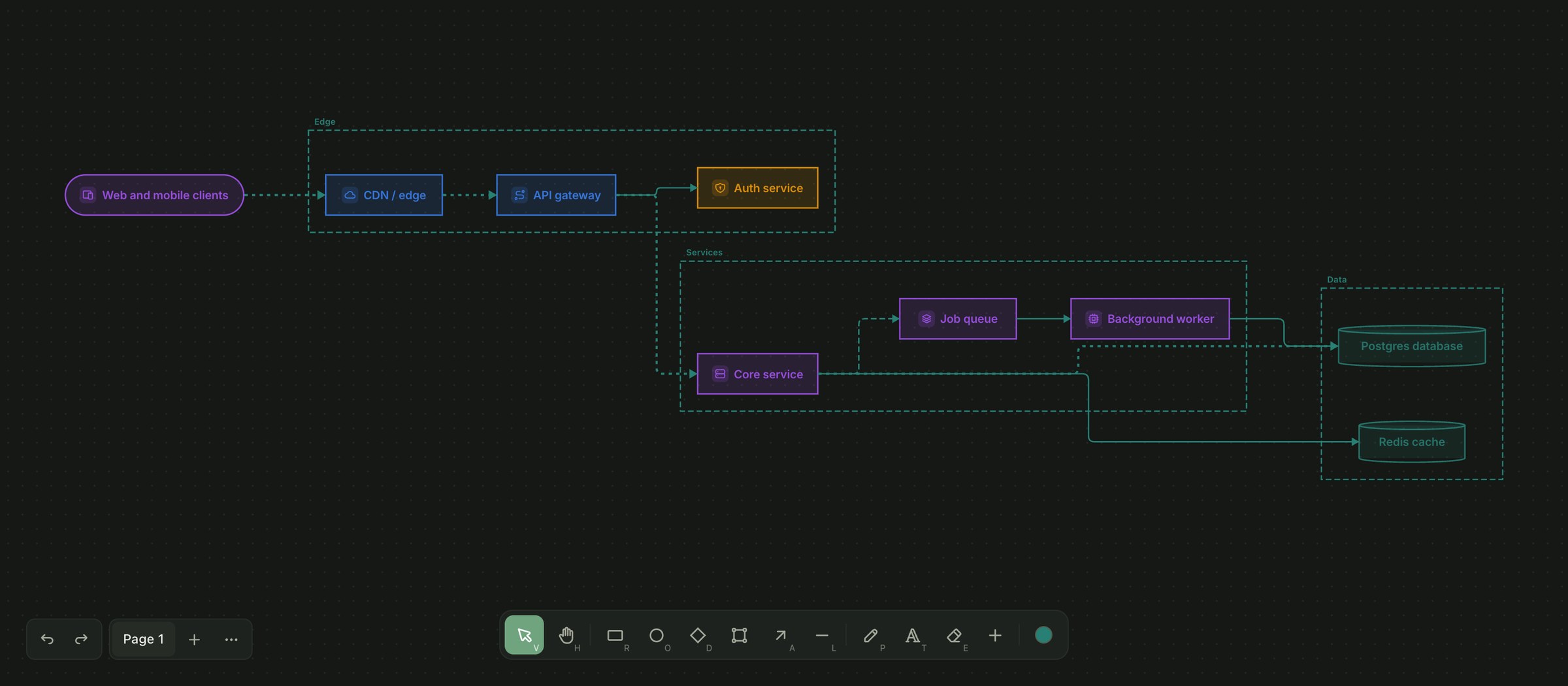
Real-time
Live cursors, comments and offline-safe sync.
Diagrams from text
Import Mermaid or generate a flow with AI.
Connected
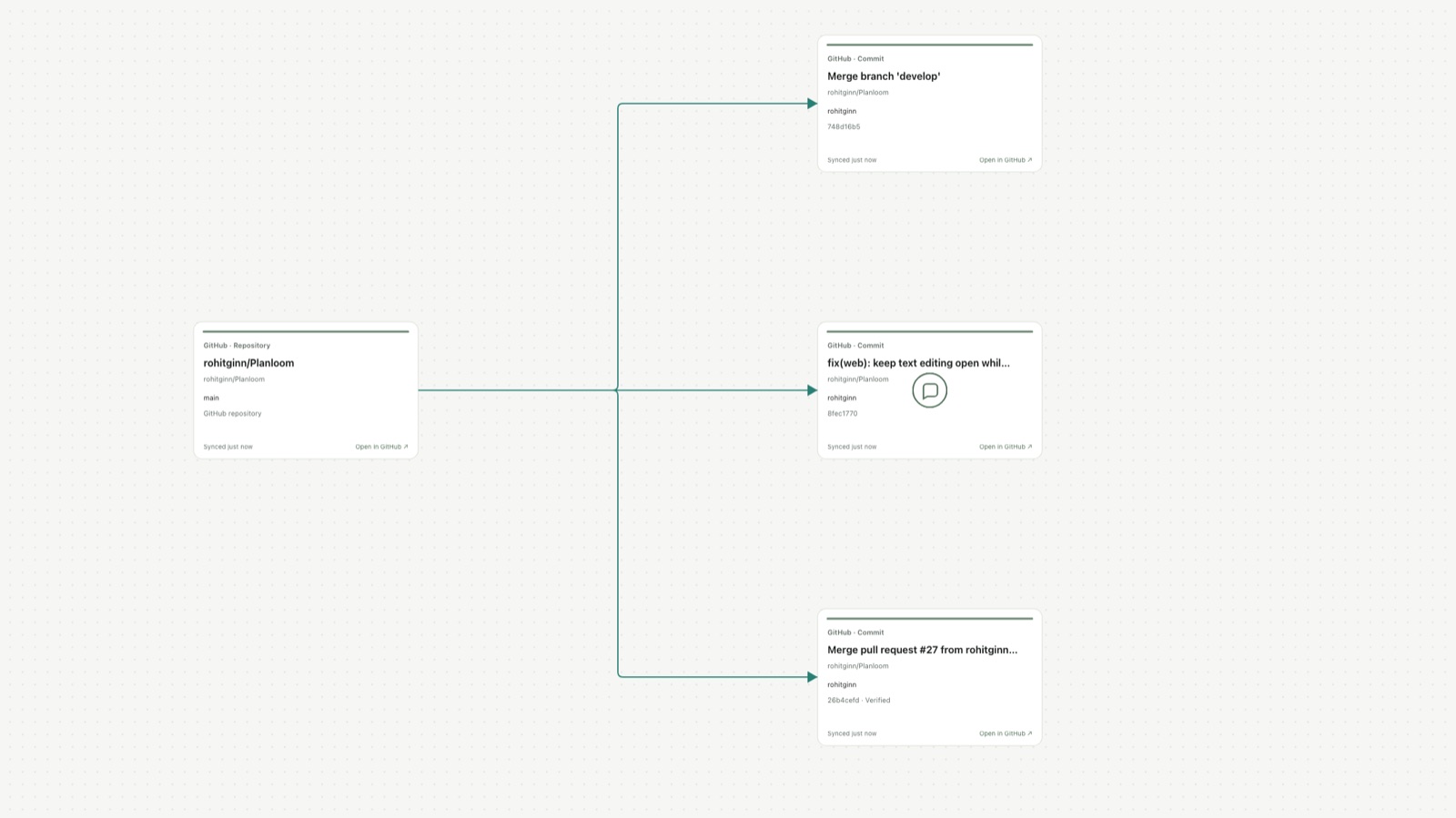
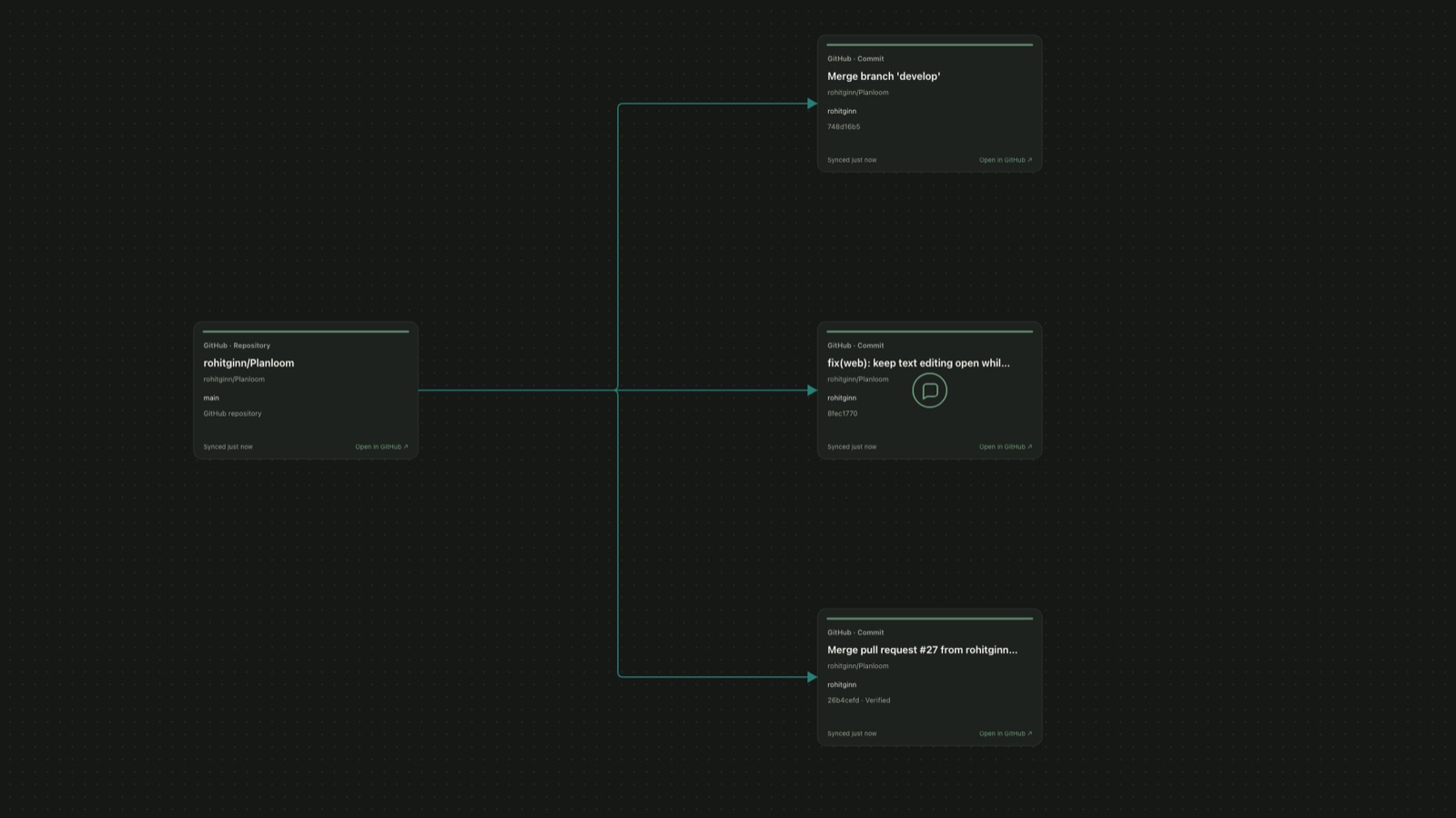
Shapes link to tasks and GitHub pull requests.
Planloom AI · Included in Pro, preview free
AI that works on the board, not in a chat box.
Select shapes and ask. Every result is previewed, editable and one undo away.
Structure from mess
Stickies become themes, mind maps or tasks with owners and dates, linked back to the shapes they came from.
Selection-scoped actions
Select shapes, pick an action from the selection toolbar.
Preview before it lands
Results appear as a ghost you can insert or discard.
You control what AI sees
Only the shapes you select are sent, as trimmed text.
Inside Planloom
The real thing, not a mockup.
Canvas, projects and GitHub share one workspace.
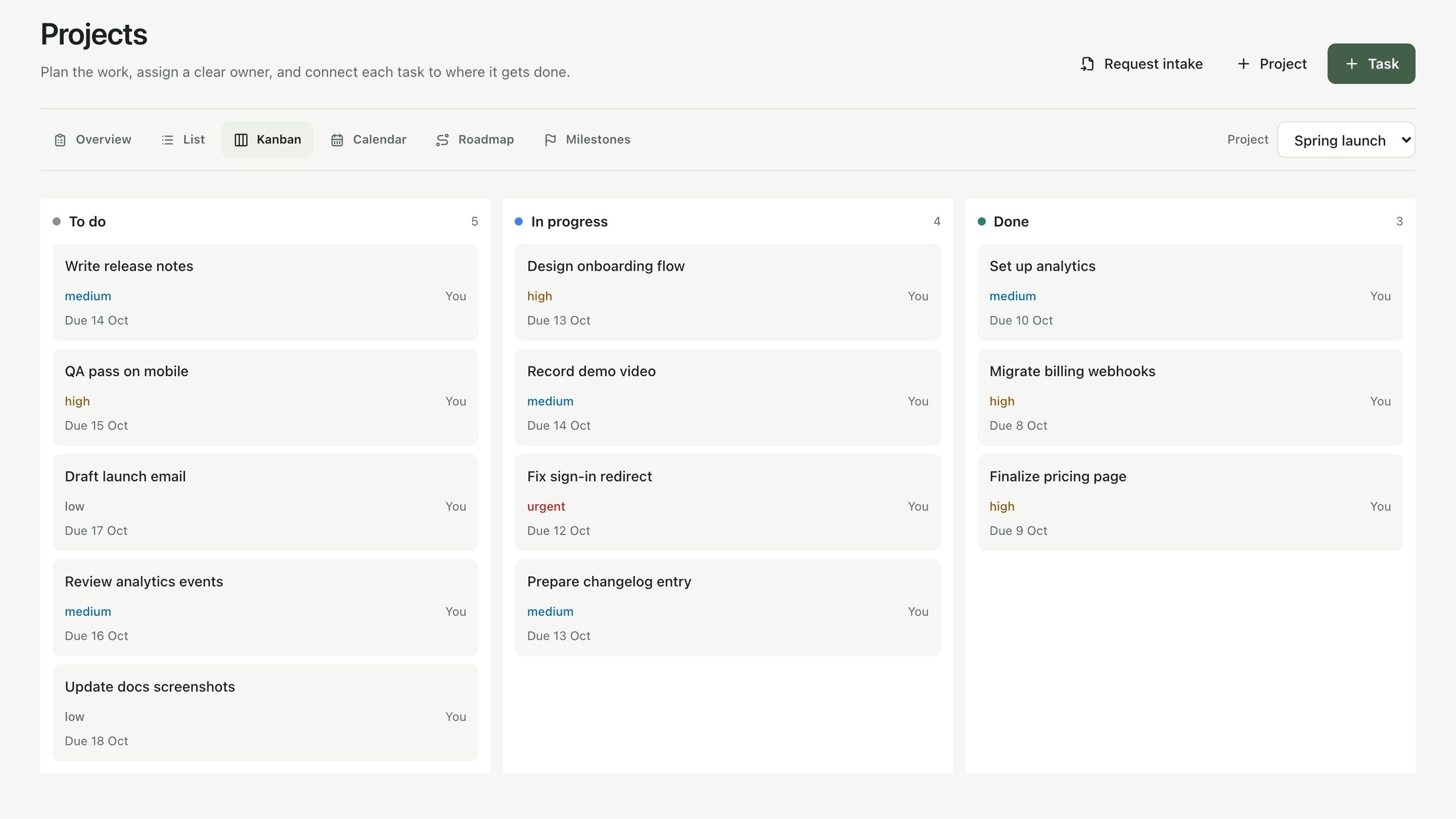
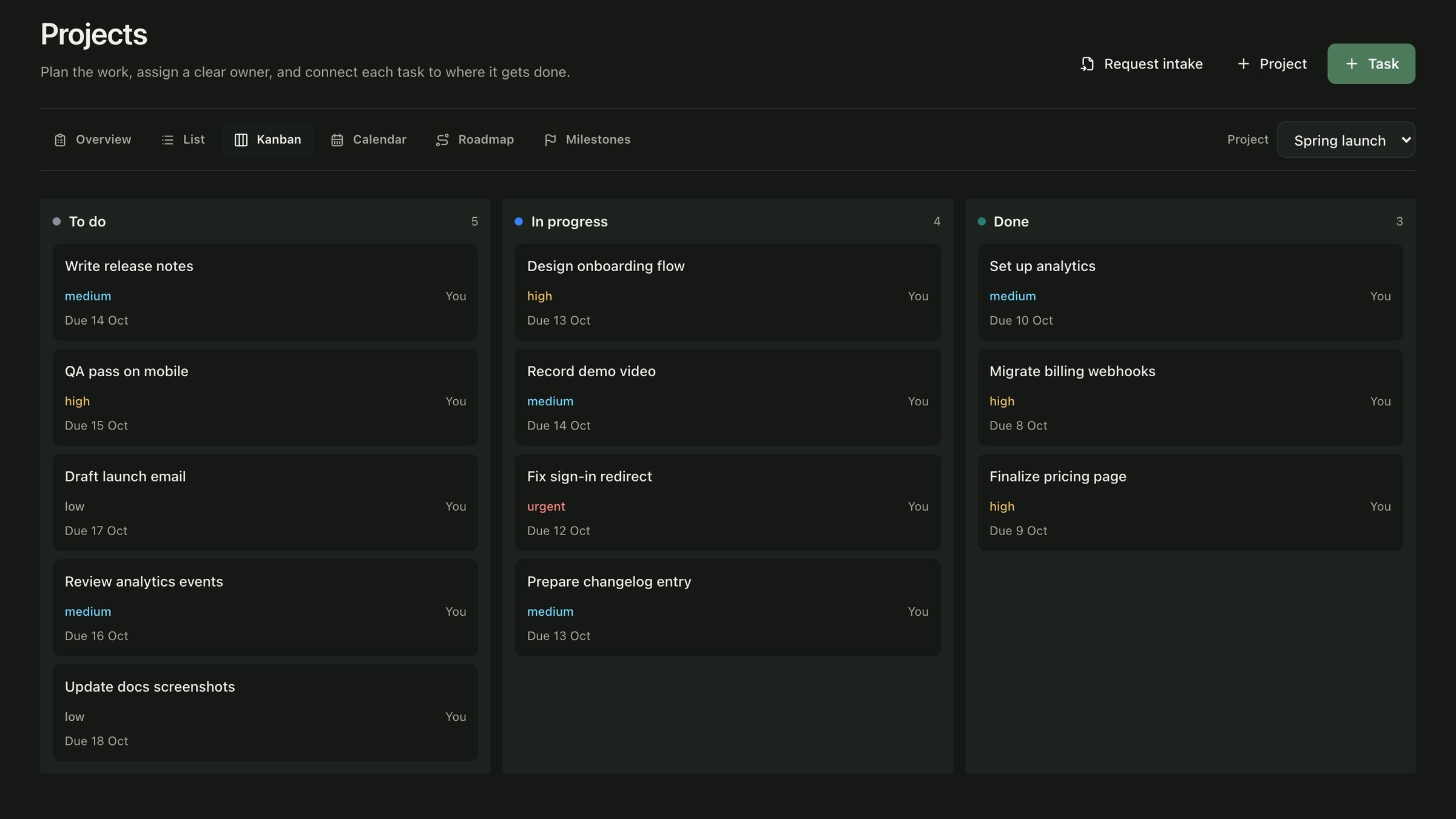
The same work as a kanban board, with owners, priorities and due dates.
Connect your AI
Plan on the canvas. Let your AI do the work.
Planloom speaks MCP, the open standard for connecting AI to your tools. Point any compatible assistant at a board and it reads the plan and keeps it up to date.
- Reads the board as a plan. Arrows set the order, frames group the work.
- Asks on the exact shape. Questions land as pins you answer on the board.
- Reports back as it works. Tasks move and comments post as it goes.
npx -y planloom-mcpSecurity & privacy
End-to-end encrypted. Private by default.
Your personal space is encrypted on your device before it ever syncs. We can’t read it, even if we wanted to.
Illustration: a private note reading “Q4: launch pricing v2 — don’t share yet” is shown as readable text on your device and as unreadable ciphertext on our servers.
- End-to-end encrypted personal space
- Personal notes, journal and canvases are sealed in your browser with AES-256-GCM. Our servers only ever store ciphertext.
- Keys that never leave you
- Keys are generated on your device, with per-record keys derived via HKDF and bound to owner and record so they can’t be swapped.
- Recovery key and device approval
- Save a recovery key yourself. New devices must be approved by one you already trust, using P-256 key exchange.
- Role-based Co-Spaces
- Shared team spaces check workspace membership and roles on every request, so people see only what they’re meant to.
A few things you might be wondering.
What is Planloom?
An infinite, real-time collaborative canvas for teams: shapes, sticky notes, connectors, rich text, templates and Mermaid import, with tasks, notes and integrations around it so the drawing stays connected to the work.
Which integrations work on the canvas?
GitHub is on the canvas today: repositories, pull requests and commits as cards that stay synced. Slack, Gmail, Google Calendar and Google Drive connect at the Co-Space level.
Is my data private and encrypted?
Your personal notes, journal and personal canvases are end-to-end encrypted in your browser with AES-256-GCM, so we cannot read them. Joining a Co-Space never gives teammates access to your personal space.
How does Planloom AI work on the canvas?
Select shapes and ask AI to summarize them, turn them into tasks, or generate a diagram. You review the result first, and it lands on the board as a single undo step. Only the selected text is sent, never files or images.
Can I connect my own AI to Planloom?
Yes. Planloom has an MCP server, so any MCP-compatible assistant or coding agent can read a board as an ordered plan, ask questions on the canvas, and update tasks. You create a token in Settings and your AI only sees what you can see.
Can I use Planloom for free?
Yes. Start on the free plan with no credit card. The pricing page shows current plans and limits.
In developmentCanvas Replay and Diagram Drift
See what’s coming